You are spending money on Google Ads every single day.
Clicks are coming in. People are visiting your website. But do you know which of those clicks actually turned into a phone call, a WhatsApp message, or an enquiry form submission?
If the answer is no, you are missing the most important piece of the puzzle.
That is exactly what Google Ads conversion tracking solves. And if you are running ads without it, you are making every decision based on incomplete information.
This post explains how it works, why it matters, and what you are missing if you have not set it up yet.
Quick question before we start:
Do you currently have conversion tracking set up on your Google Ads?
A) Yes it is set up and working
B) I set it up but not sure if it is working
C) No I have not set it up yet
D) I did not know this was a thing(Drop your answer in the comments)
What Is Google Ads Conversion Tracking
Google Ads conversion tracking is a free tool inside Google Ads that tells you what happens after someone clicks your ad.
A conversion is any action that matters to your business. For a local service business that could be:
- Someone calling your phone number from the ad
- Someone submitting an enquiry form on your website
- Someone clicking your WhatsApp button
- Someone visiting a thank you page after filling out a form
Without conversion tracking, Google Ads only shows you clicks and impressions. With it, you can see which clicks actually led to real business outcomes.
That is a completely different level of information.
How Google Ads Conversion Tracking Works
Here is a simple breakdown of how it works behind the scenes.
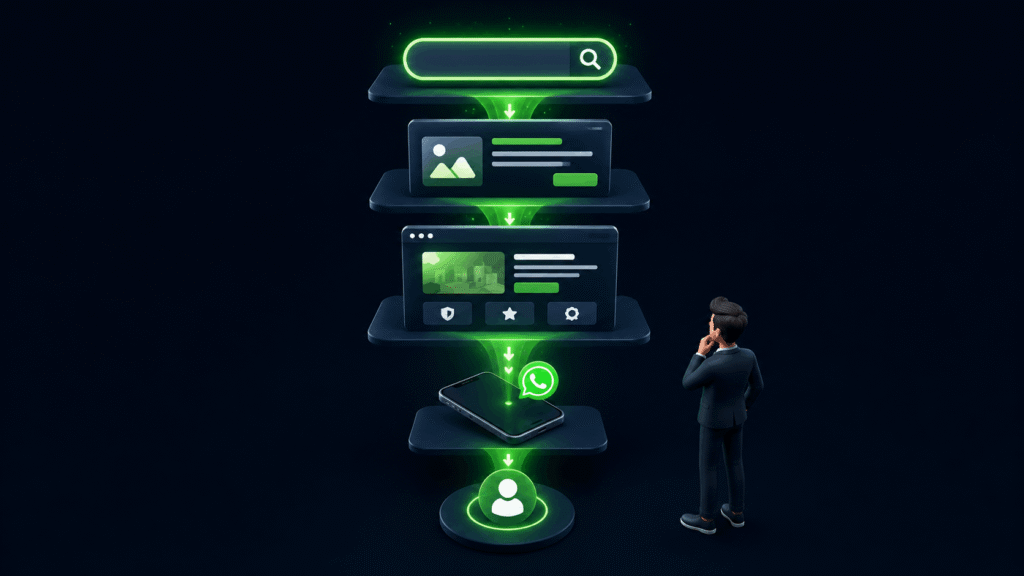
When you set up conversion tracking, Google gives you a small piece of code called a tag. This tag goes on your website, usually on a thank you page or attached to a button like a call or WhatsApp button.
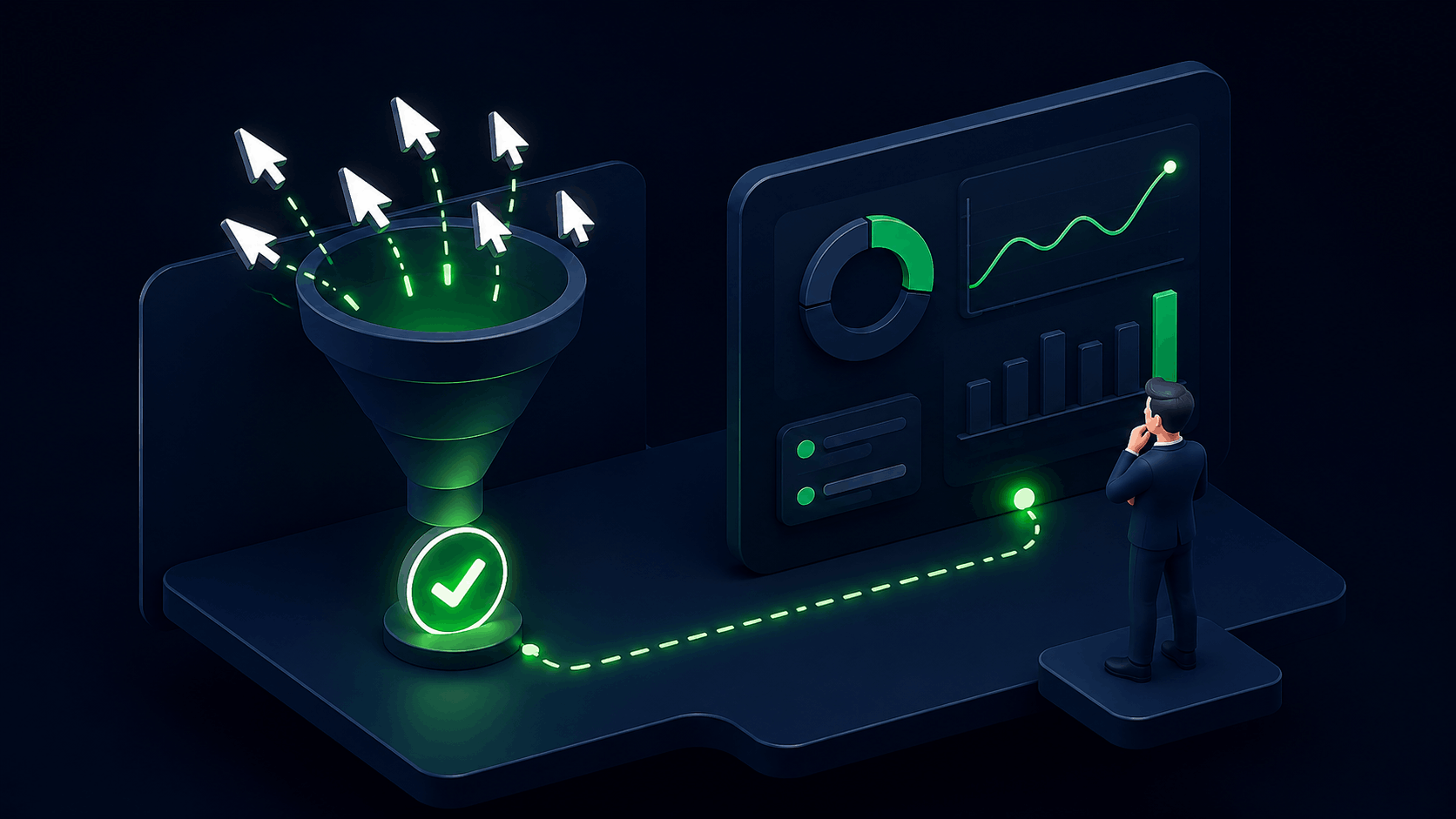
When a visitor who came from your ad takes the action you defined, the tag fires and sends that information back to your Google Ads account. Google then records it as a conversion against the specific keyword, ad, and campaign that brought that visitor in.
Over time you build up data that tells you exactly:
- Which keywords are generating real enquiries
- Which ads are getting clicks but no conversions
- What time of day your best leads come in
- How much each lead is actually costing you
This data is what separates businesses that improve their campaigns over time from those that keep spending without knowing what is working.
Why Google Ads Conversion Tracking Matters
1. You Stop Spending on What Is Not Working
Without conversion tracking you might be spending 60 percent of your budget on keywords that get lots of clicks but zero enquiries. You would never know because all you can see is clicks.
With conversion tracking you can see exactly which keywords are bringing in leads and which ones are just burning your budget. You cut the ones that are not working and put more behind the ones that are.
2. Google Starts Optimising for Real Results
This is where it gets powerful.
Google Ads has smart bidding strategies that automatically adjust your bids to get more of the results you want. But these strategies only work when you tell Google what a result looks like for your business.
Without conversion tracking, Google does not know what success means for you. It can only optimise for clicks. With conversion tracking set up, Google can optimise for actual enquiries, not just traffic.
Over time this makes your campaigns significantly more efficient.
3. You Know Your Actual Cost Per Lead
One of the most important numbers in any Google Ads campaign is cost per lead. How much are you paying on average to get one enquiry?
Without conversion tracking this number is impossible to calculate accurately. You might guess based on how many calls you got this month, but you will never know which clicks actually caused those calls.
With conversion tracking you can see the exact cost per lead for each keyword, each ad, and each campaign. This tells you whether your Google Ads are actually profitable for your business.
4. You Can Make Better Decisions Faster
When you have conversion data, every decision you make about your campaign is based on real numbers.
Should you increase the budget on this keyword? The data will tell you. Should you pause this ad and test a new one? The data will tell you. Is this campaign worth continuing or should you restructure it? The data will tell you.
Without it, every decision is a guess. With it, every decision has a foundation.
What Happens When You Run Ads Without Conversion Tracking
Here is the reality of running Google Ads without conversion tracking.
You spend money every month. Some months you get enquiries, some months you do not. You have no idea why. You try increasing the budget, changing the ad copy, or switching keywords based on gut feeling.
Some things work, some do not, but you never know which is which because you have no data connecting your ad spend to your actual results.
This is how businesses end up saying Google Ads does not work. In most cases it is not that Google Ads does not work. It is that they were never able to see what was working and what was not.
Google Ads conversion tracking is what gives you that visibility.
The Most Common Conversion Actions for Local Service Businesses
If you are a local service business, here are the conversion actions you should be tracking:
- Phone calls from ads: When someone clicks the phone number in your ad directly
- Phone calls from website: When someone calls the number on your landing page after clicking the ad
- Form submissions: When someone fills out your enquiry form
- WhatsApp button clicks: When someone taps your WhatsApp button to start a conversation
- Thank you page visits: When someone lands on your thank you page after submitting a form
You do not need to track all of these on day one. Start with the most important one for your business and add more over time.
Google Ads Conversion Tracking Is Not Optional
If you are serious about getting results from Google Ads, conversion tracking is not something you set up later. It is something you set up before you spend your first rupee.
Every day you run ads without it is a day you are making decisions without the information you need. Every rupee you spend without it is a rupee you cannot fully account for.
Setting it up correctly takes some time but it is a one time investment that pays for itself every single day your campaigns run.
If you are not sure whether your conversion tracking is set up correctly or you want to make sure you are tracking the right things, we offer a free audit. We go through your account and tell you exactly what is in place and what needs to be fixed.
Related Posts
- Google Ads Budget That Actually Makes Sense
- Google Ads Get Clicks But No Enquiries?
- Google Ads Lead Generation System
Frequently Asked Questions (FAQs)
It is a free tool that tracks what happens after someone clicks your ad. It tells you which clicks turned into real actions like phone calls, form submissions, or WhatsApp messages.
Yes. It is built into Google Ads at no extra cost. You only need to set it up correctly and place the tracking code on your website.
Not necessarily. Basic conversion tracking can be set up using Google Tag Manager without touching your website code. For more complex setups a developer or a Google Ads specialist can help.
A click means someone clicked your ad and visited your website. A conversion means they took a specific action after clicking, like calling you or filling out a form. Clicks show interest. Conversions show results.
Yes you can set it up at any time. But the sooner you do it the more data you collect. Every day without it is data you can never recover.